
Features Lessons
Make it · Lessons
Write lessons like you write an email
No code and no page builder. Type, add a video, and what you see is what students get.
- 1Simple formatting. Bold, headings and links.
- 2Add to lesson. Ten blocks, from video to quotes.
- 3Your fonts and colours, exactly as students see them.
- 4Saved as you type, on any device.
Granny squares · Lesson 3 of 5
Your first granny square
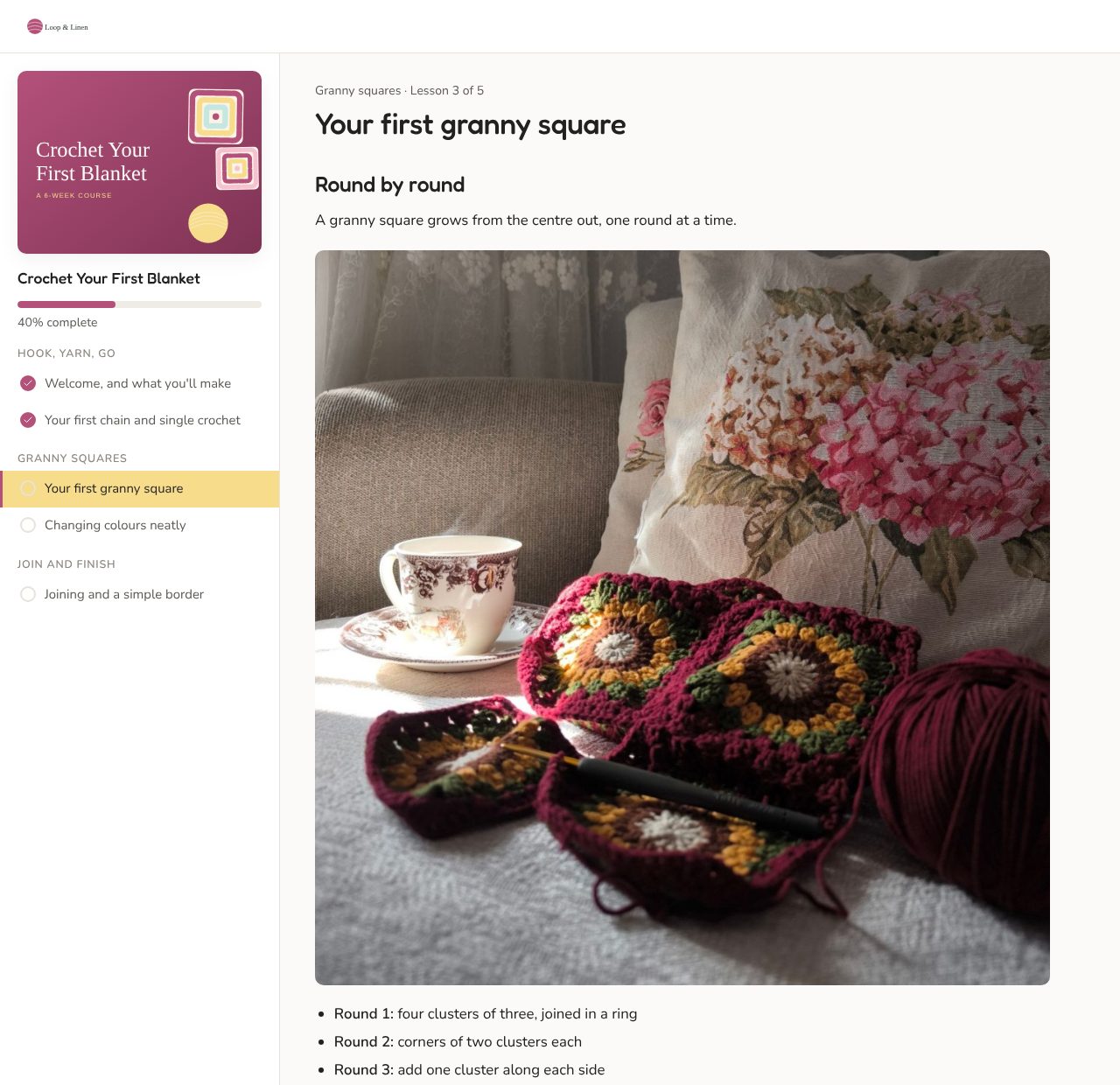
Don't pull too tight. A granny square grows from the centre out, one round at a time.
Ten blocks. Every lesson you'll need.
Pick one from Add to lesson and it drops in, styled in your brand. Type a slash on an empty line to find one fast.
BasicsMediaHighlights
- Don't pull too tight. A granny square grows from the centre out, one round at a time.TextA paragraph
- Round 1: four clustersHeadingSection title
- A 5 mm hook
- Soft cotton yarn
- A stitch marker
- Make a ring
- Add four clusters
- Join and turn
- Video MediaYouTube, Vimeo, Loom…
- Image MediaUpload a photo
- Download the patternButton HighlightLink to a worksheet
- Your task: make one square, then share a photo.Content box HighlightTip or key idea
- "Done is better than perfect."Quote HighlightA testimonial or quote
- Divider HighlightBreak up sections
Your first granny square
Don't pull too tight. A granny square grows from the centre out, one round at a time.
Round 1: four clusters
Round 2: corners of two
A course page students enjoy coming back to
Every course gets its own student page in your brand, with nothing for students to install or sign up for.
Shape your course before you write a word
Group lessons into modules and move them around until the order feels right. Your sales page lists them for you.
Not sure where to start? Open the example course: three modules and five lessons, ready to make your own.
Questions about lessons
Where do my videos live?
On YouTube, Vimeo, Loom or a similar service. Upload them there (on YouTube, set them to Unlisted), then paste the link into your lesson.
Can I paste lessons from Google Docs?
Yes. Paste them in and odd fonts, stray colours and extra spacing are tidied away, so they match your brand.
How many lessons can I add?
As many as your course needs, in as many courses as you like. Fair use applies.
Do students need an account?
No. They log in with their email and the course password from their welcome email, and their progress follows them to any device.
Can I change a lesson after publishing?
Yes. Edit it, then publish again. Students see the update the next time they open the course.
Write your first lesson today
Intro price: $97 CAD, one time, for every course you make.
Start building